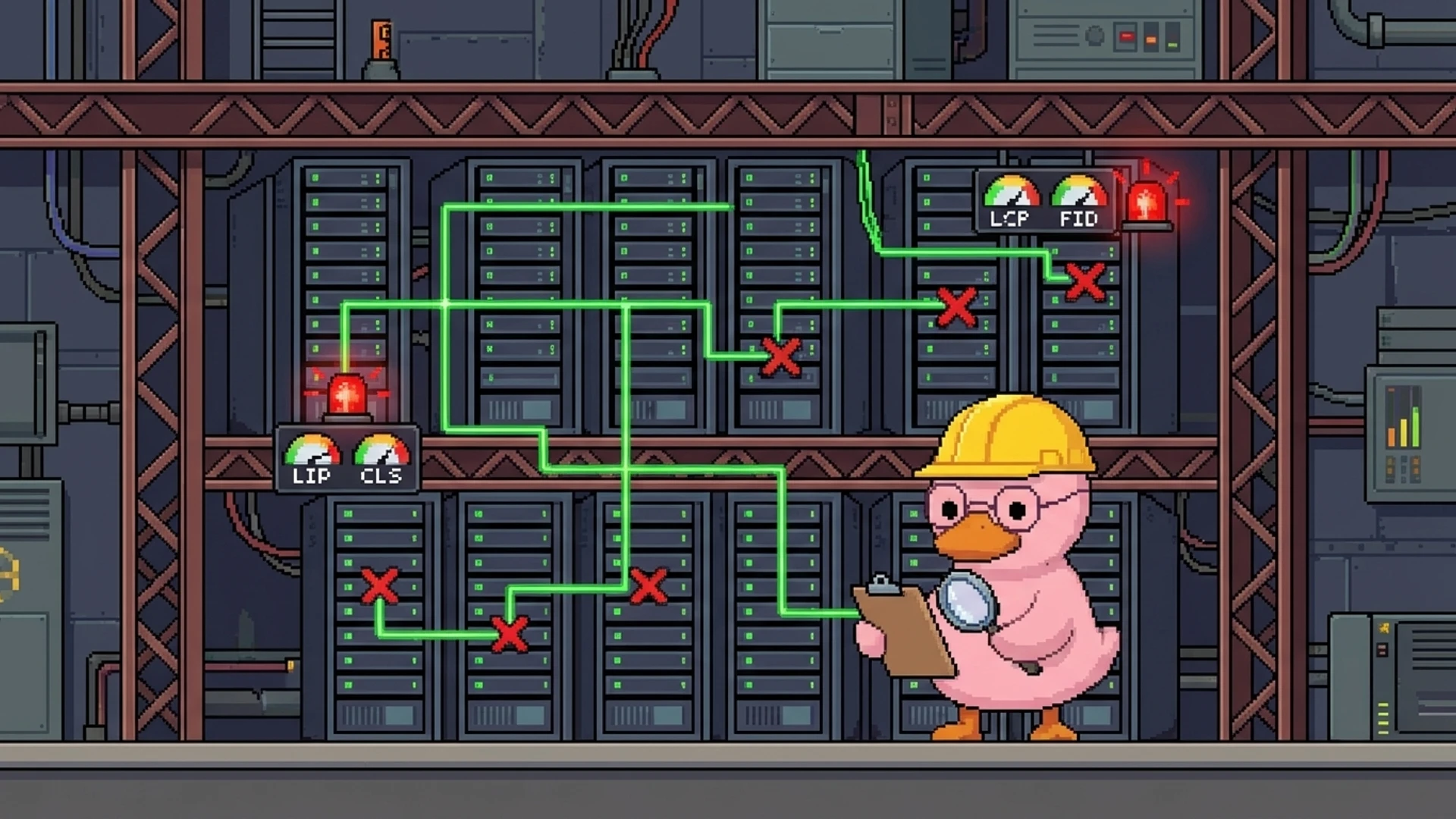
You can publish the best article in your industry. If Googlebot can't crawl it, your canonical tags are fighting each other, or your page takes 4 seconds to load, it won't rank. A technical SEO audit finds those invisible problems. And the scariest ones are usually the simplest to fix once you actually find them.
There's also a new dimension in 2026 that most audit guides skip entirely: AI search readiness. If AI crawlers can't parse your content, you're invisible in Google's AI Overviews, ChatGPT Search, and Perplexity. Those channels now drive real referral traffic. This guide covers the full audit process, from fundamentals that haven't changed to the checks nobody else is talking about.
A technical SEO audit in 2026 covers crawlability, site architecture, Core Web Vitals (LCP under 2.5s, INP under 200ms, CLS under 0.1), schema markup, security, mobile performance, and AI search readiness. Run a full audit quarterly, monitor continuously between audits, and use the priority matrix in this guide to fix the highest-impact issues first. Most critical fixes take under an hour and have immediate ranking impact.
What You'll Learn
- A step-by-step technical audit process with specific thresholds for every check
- The 2026-specific checks most guides miss: INP optimization and AI crawler accessibility
- A priority matrix ranking every fix by impact versus effort
- SaaS-specific technical SEO checks for JavaScript-heavy applications
- How to automate audits so issues are caught before they affect rankings
- Why most critical fixes take under an hour but deliver immediate results

What is a technical SEO audit?
Think of a technical SEO audit as an MRI for your website. Your content might be excellent. Your keywords might be perfect. But if something in the plumbing is broken, none of that matters. A technical audit finds the problems invisible to the naked eye that are silently killing your organic traffic.
Specifically, you're checking server configuration, URL structure, crawl directives, page speed, structured data, security, mobile rendering, and as of 2026, AI search compatibility. The output is a prioritized list of issues with specific fixes, estimated effort, and expected impact on rankings. One important note: INP replaced FID in March 2024. If your current audit process still references FID, it's outdated.

Crawlability, indexation, and site architecture
If search engines can't crawl and index your pages, nothing else in your SEO strategy matters. This is always step one. Pull up your robots.txt and check for accidental blocks. Common mistakes: blocking /api/ paths that also block /api-integration/ marketing pages, blocking CSS/JS files that prevent rendering, and leftover Disallow rules from staging. Every Disallow rule should be intentional and documented.
Your XML sitemap should include every page you want indexed and exclude every page you don't. Validate that all URLs return 200 status codes. No redirects, no 404s. Check that lastmod dates actually update when content changes. Then audit your canonical tags: every indexable page needs a self-referencing canonical. Conflicts between canonicals, sitemaps, and hreflang signals are one of the most common and most damaging technical SEO issues you'll find.
Site architecture determines how link equity flows through your site. Every important page should be reachable within 3 clicks of the homepage. Cross-reference your sitemap URLs with crawl data to find orphan pages, the ones with zero internal links that get minimal crawl attention. Flatten redirect chains to single hops. Fix internal links to point to final destination URLs, not redirected ones. These are unglamorous fixes that compound into massive ranking improvements.
The staging environment trap
One of the most common crawlability disasters: your staging site gets indexed by Google. Set staging environments to noindex via meta tag AND robots.txt, use HTTP basic auth, and check Search Console for any staging URLs appearing in the index.

Core Web Vitals: LCP, INP, and CLS
Core Web Vitals are confirmed Google ranking factors. Three metrics as of 2026: Largest Contentful Paint (LCP), Interaction to Next Paint (INP), and Cumulative Layout Shift (CLS). LCP measures how long your largest visible element takes to render. Target: under 2.5 seconds. Common fixes include serving images in WebP or AVIF, preloading the LCP element, inlining critical CSS and deferring the rest, and using a CDN for static assets.
INP is the metric most sites struggle with because it's harder to optimize than FID was. It measures how quickly your page responds to any user interaction throughout the entire visit, not just the first click. Target: under 200ms. Break long JavaScript tasks into smaller chunks. Move heavy computation to Web Workers. Reduce third-party script impact. Use CSS containment to limit browser re-layouts.
CLS measures visual stability. How much does your content shift unexpectedly during loading? Target: under 0.1. Always specify image dimensions. Use font-display: optional with size-adjust. Reserve space for dynamic elements like ad banners and chat widgets. Run PageSpeed Insights on your 5 highest-traffic page templates and check field data from real users, not just lab data. And test on a real mid-range Android device. A site that feels snappy on your MacBook may be painful on a Samsung Galaxy A15.
Schema markup and structured data
Schema markup helps search engines understand your content semantically and can earn you rich results: FAQ dropdowns, how-to steps, review stars. Those dramatically increase click-through rates. In 2026, schema is also critical for AI search. LLMs use structured data to extract and attribute information in AI Overviews. Every page should have Organization and BreadcrumbList schema. Beyond that, match schema to page type.
- Article or BlogPosting schema on blog posts, including author, datePublished, dateModified
- FAQPage schema on pages with Q&A sections, as these get directly quoted by AI systems
- Product or SoftwareApplication schema on pricing and feature pages
- Author schema with sameAs links to LinkedIn and Twitter/X profiles for E-E-A-T signals
- Use JSON-LD format, which is Google's recommended implementation and easier to maintain
Validate every page template through Google's Rich Results Test. Common issues: missing required fields, using deprecated schema types, and schema content that doesn't match visible page content (which Google considers spammy). Check Search Console's Enhancements reports for site-wide errors.

See how duqky's Technical Worker automates crawlability checks, schema validation, Core Web Vitals monitoring, and 100+ other technical SEO checks, catching issues before they affect your rankings.
See how it works
AI search readiness: the check nobody covers
Google's AI Overviews now appear in over 30% of search results. Perplexity and ChatGPT Search are sending measurable referral traffic. If AI systems can't parse your content, you lose visibility in both traditional and AI-generated results. Start by checking your robots.txt for AI crawler rules. The major bots to know: GPTBot (OpenAI), Google-Extended (Google AI training), ClaudeBot (Anthropic), and CCBot (Common Crawl).
Decide your policy intentionally. Blocking all AI crawlers prevents your content from appearing in AI-generated answers, which increasingly means lost traffic. Most sites benefit from allowing AI crawlers while blocking AI training specifically. Then optimize your content structure for LLM parsing: use clear heading hierarchy, include TL;DR summaries, add FAQ sections with concise answers, use definition-style formatting for key terms, and include numbered lists and tables. LLMs extract structured content far more effectively than free-form text.
Priority matrix: what to fix first
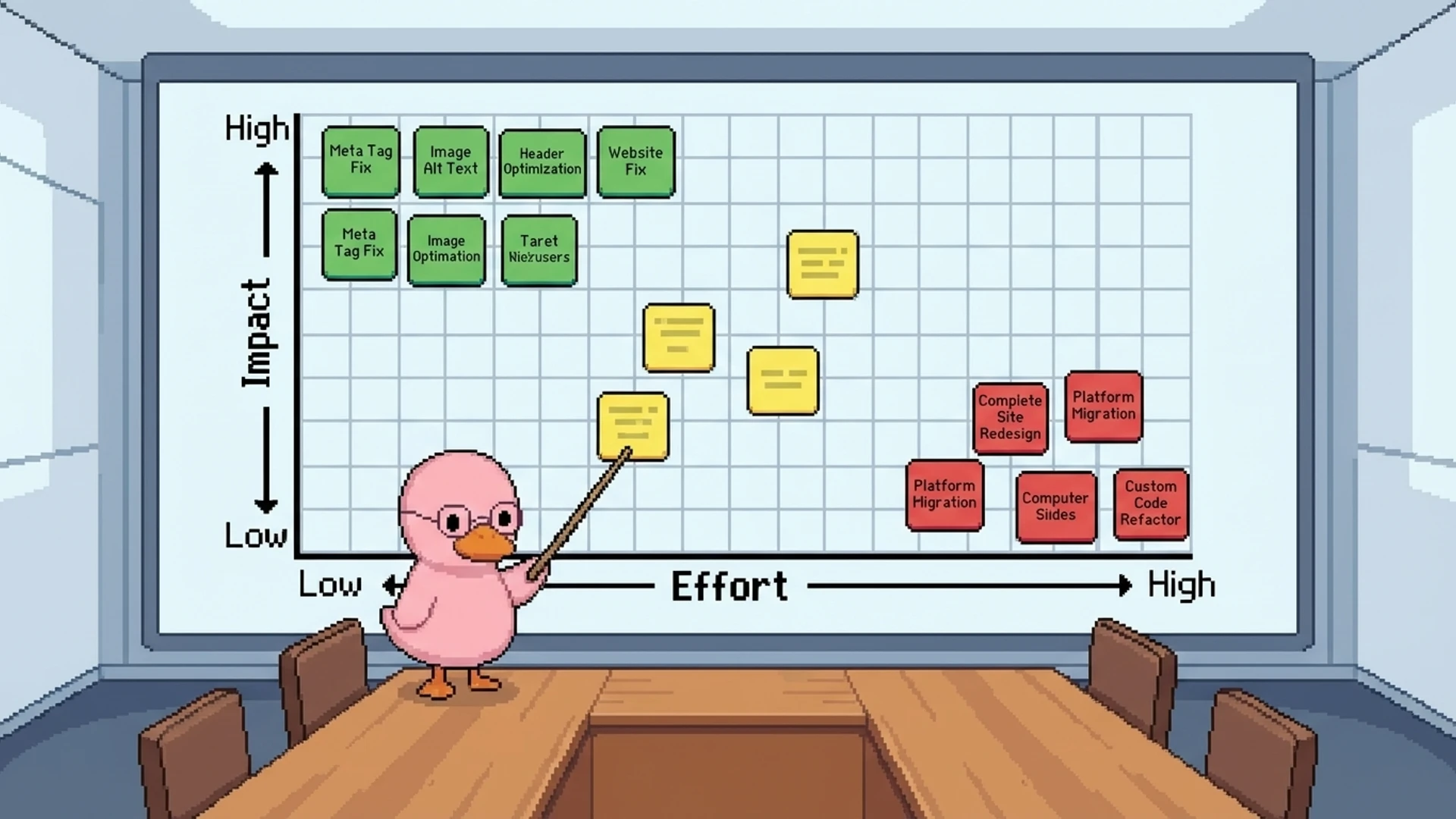
After running your audit, you'll have a list of issues. Not all of them are equal. Here's how to prioritize based on impact and effort.
Fix immediately (high impact, low effort)
Accidental noindex tags on live pages: 5 minutes to fix, instant ranking recovery. Broken canonical tags: 10 minutes per page. Missing XML sitemap or not submitted to Search Console: 15 minutes. Broken internal links and 404s: 30 minutes for most sites. HTTP pages not redirecting to HTTPS: 15 minutes server config.
Fix this week (high impact, medium effort)
Core Web Vitals failures where LCP is over 4s or INP over 500ms: 2-8 hours depending on root cause. Missing schema markup on key templates: 1-2 hours per template. Redirect chains with 3+ hops: 1-2 hours. JavaScript rendering issues on marketing pages: 2-4 hours to implement SSR or SSG.
For SaaS sites specifically: disable JavaScript in your browser and check if your marketing page content is still visible. Use SSG or SSR for all public pages. Reserve client-side rendering for authenticated dashboards. Eliminate hash-based routing on any page that should be indexed. Host your blog in a subfolder (yourdomain.com/blog), not a subdomain, because subfolders pass more link equity to your root domain. Set noindex on all authenticated dashboard pages. And verify your pricing page content is in the initial HTML, not loaded via JS after page load. These are SaaS-specific gotchas that generic audit guides skip entirely.

Automated vs. manual auditing
Manual audits give you depth. Automated audits give you consistency and speed. You want both. Manual auditing is great at interpreting ambiguous issues, evaluating architecture decisions in context, and identifying priorities based on your business goals. But it's slow, expensive, and impossible to do continuously.
Automated auditing runs 100+ checks across your entire site in minutes. It monitors for regressions after every deployment, tracks Core Web Vitals trends over time, and alerts you to new issues before they impact rankings. The optimal setup: run automated audits continuously (daily or after each deployment) and do a thorough manual audit quarterly. The automated system catches regressions immediately. The quarterly review handles strategic decisions and nuanced analysis.
Here's something most people don't think about: the real cost of a technical SEO audit isn't the audit itself. It's implementing the fixes. DIY with free tools costs $0 plus 8-16 hours of your time. A freelance consultant charges $500-2,500. Agencies charge $2,000-10,000 with implementation support. But the most expensive option? Paying for an audit and letting the report gather dust because nobody allocates engineering time to act on it. Budget for both the diagnosis and the treatment.
Frequently asked questions
Frequently Asked Questions
It's a systematic check of your website's infrastructure: crawlability, indexation, page speed, schema markup, security, mobile usability, and site architecture. The goal is to find issues that prevent search engines from properly crawling, indexing, and ranking your pages. It focuses on the technical foundation, not content quality or keywords.
Run a comprehensive manual audit quarterly. Set up automated monitoring daily or after each deployment to catch regressions between full audits. Run a targeted audit after any major site change: CMS migration, redesign, domain change, or major feature launch. If your team deploys multiple times per day, continuous automated monitoring is essential.
LCP (Largest Contentful Paint) under 2.5 seconds, INP (Interaction to Next Paint) under 200ms, and CLS (Cumulative Layout Shift) under 0.1. INP replaced FID in March 2024. These are confirmed Google ranking factors measured from real user data, not lab tests.
DIY with free tools costs $0 plus 8-16 hours of your time. Freelance consultants charge $500-2,500 for a one-time audit. Agencies charge $2,000-10,000 with implementation support. Automated AI-powered monitoring runs $50-500/month for continuous auditing instead of quarterly snapshots.
Free essentials: Google Search Console, PageSpeed Insights, and Chrome DevTools. Paid crawlers: Screaming Frog ($259/year), Ahrefs ($129+/month), Semrush ($139+/month). For continuous monitoring, AI-powered tools can run automated checks and alert you to issues in real time.
It means making sure AI crawlers like GPTBot, ClaudeBot, and Google-Extended can access and parse your content. This includes setting intentional robots.txt policies, structuring content with clear heading hierarchies, adding TL;DR summaries and FAQ sections, and implementing schema markup. Without this, your content won't appear in AI Overviews and LLM-generated answers.

duqky's Technical Worker runs continuous automated audits covering crawlability, indexation, schema, Core Web Vitals, AI search readiness, and 100+ checks. It surfaces only the issues that actually affect your rankings. Start with 500 free credits.
Get started free